Linking Households
Issue 1
Issue 1

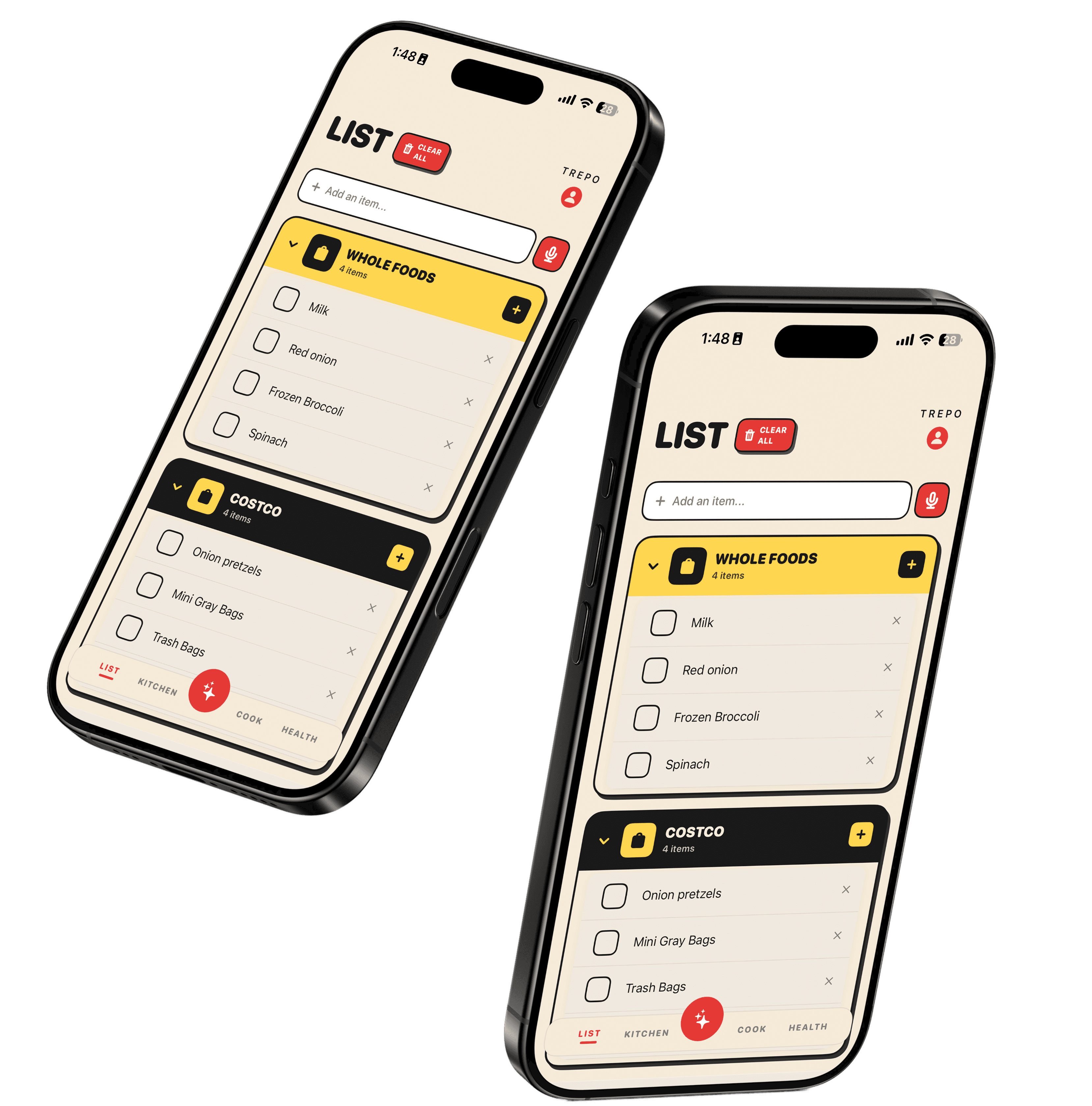
Multiple people. One list.
Multiple people. One list.
Multiple people. One list.
Your shopping list syncs to everyone
linked in the same household.
Your shopping list syncs to everyone
linked in the same household.
HOW
HOW
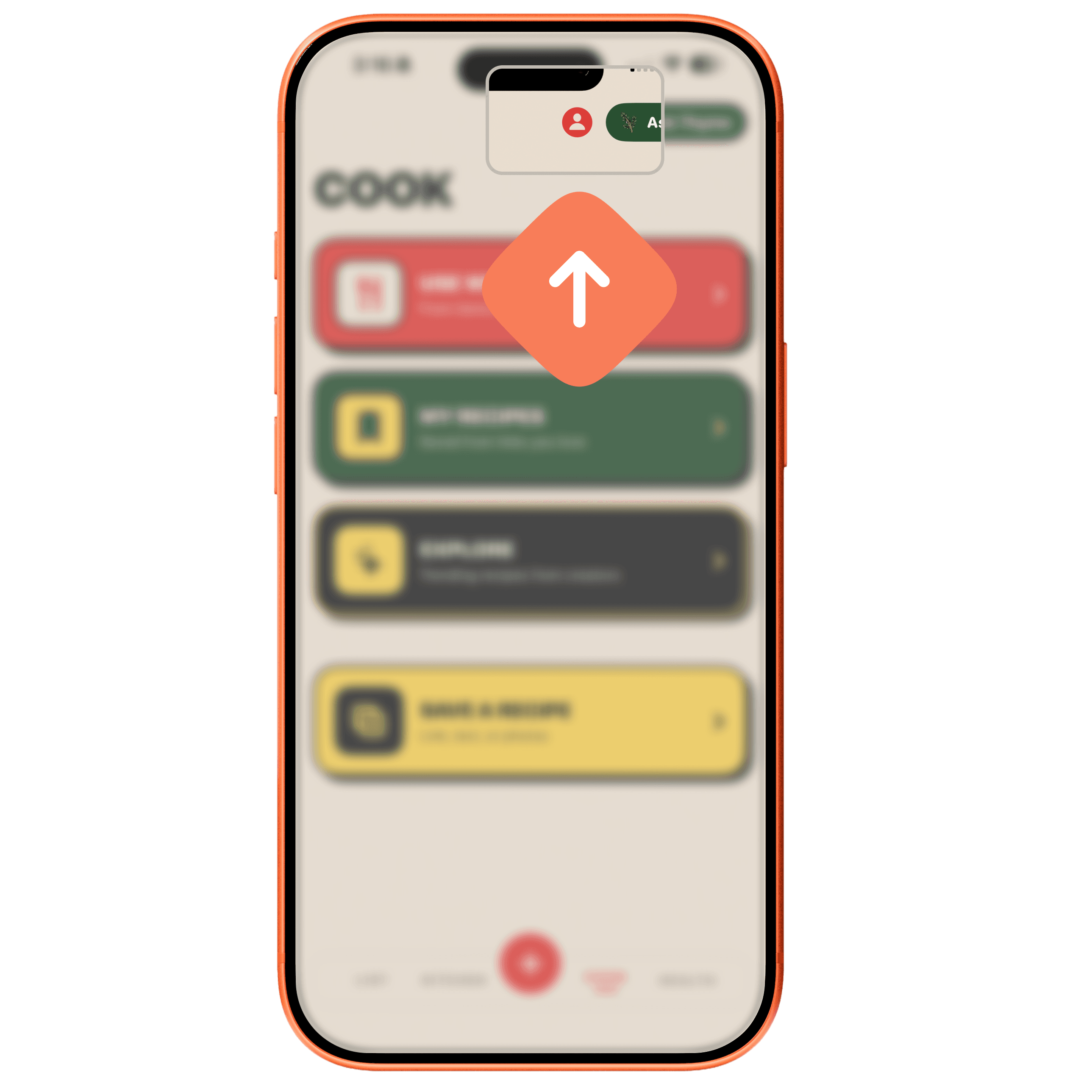
Tap profile button
Tap profile button
Tap profile button
This is where you can locate account information.
This is where you can locate account information.
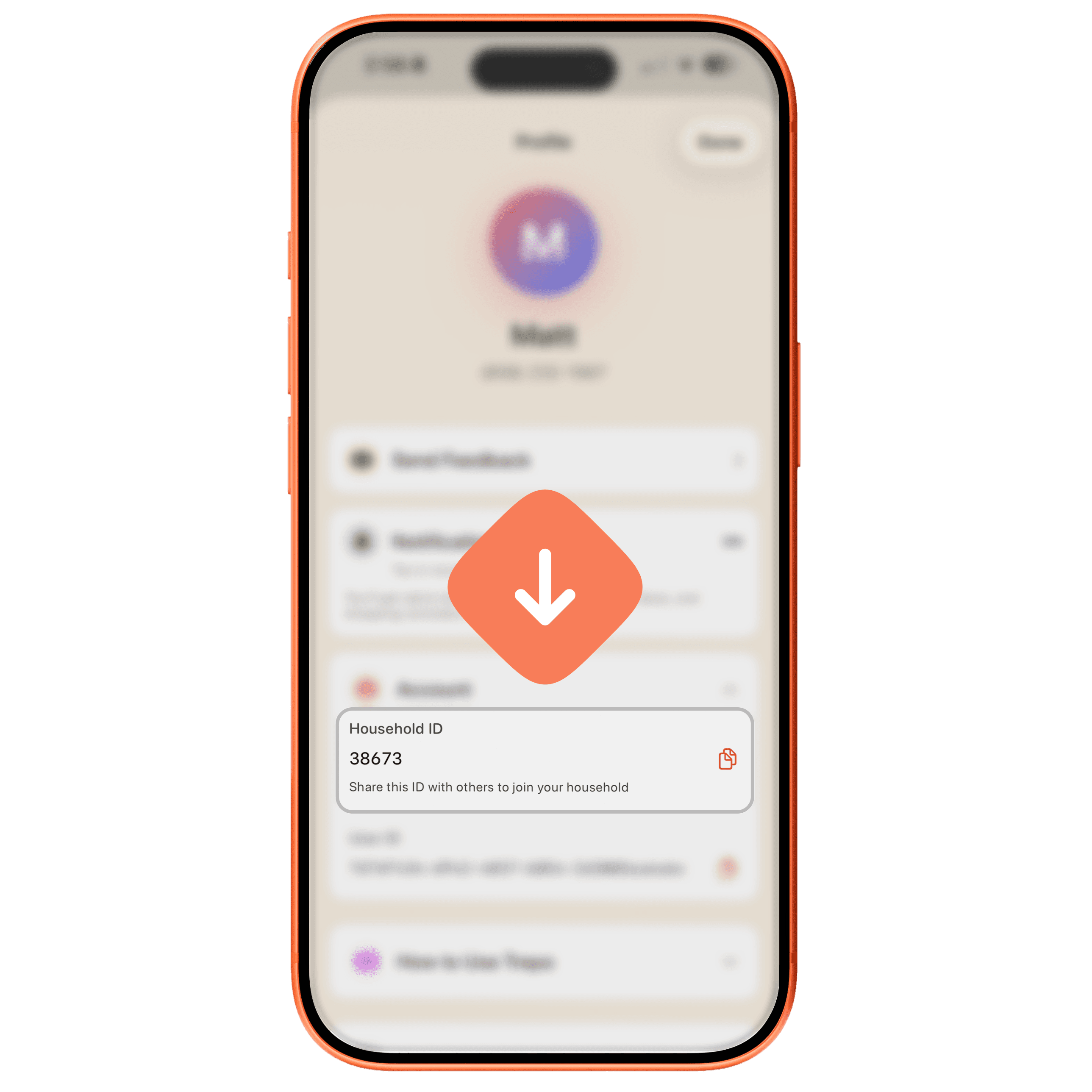
Copy household ID
Copy household ID
Copy household ID
This is what your household members will use when they a
This is what your household members will use when they a
Send them the link
Send them the link
Send them the link
They'll download the app via Testflight.
They'll download the app via Testflight.
Join Household
(new account)
Join Household
(new account)
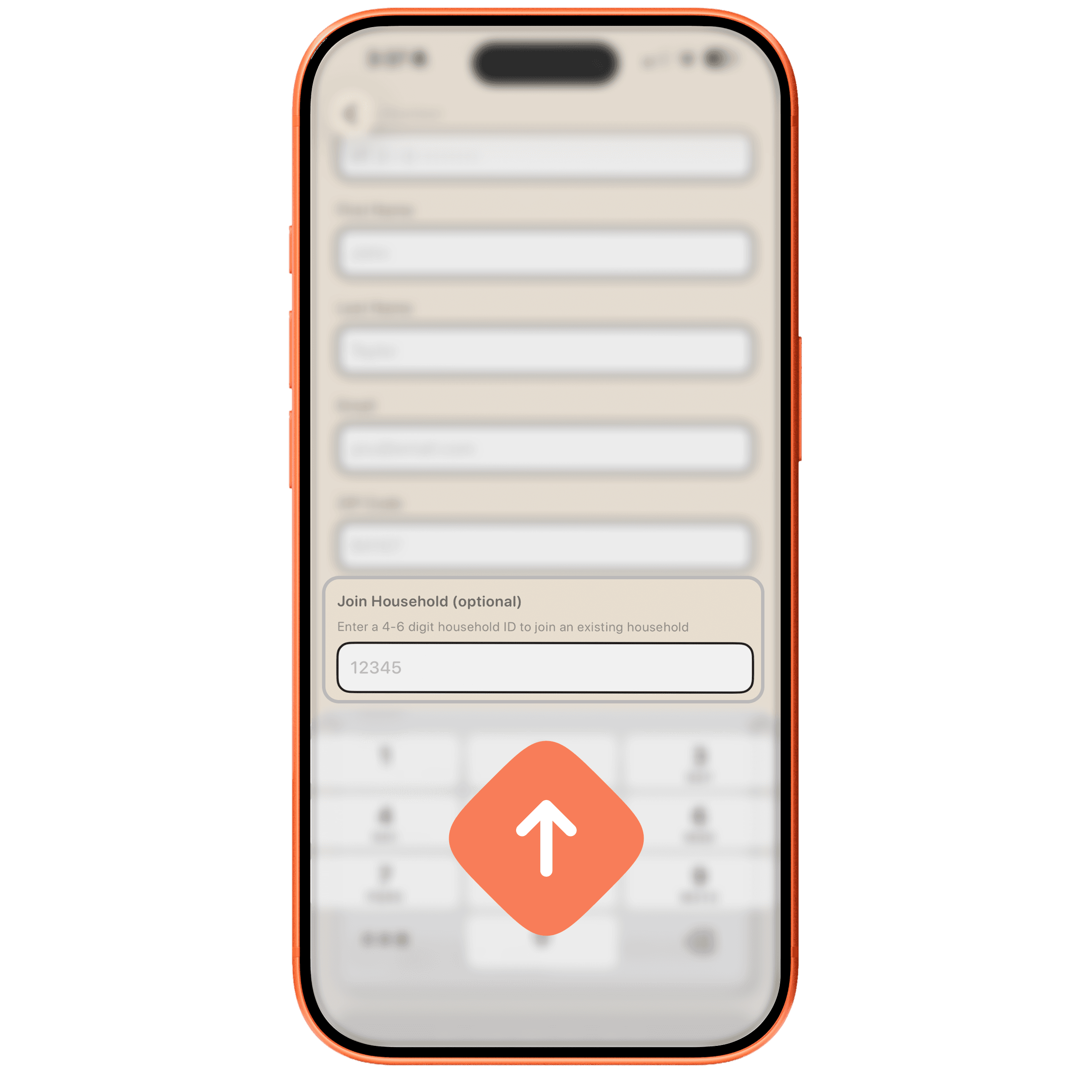
When they create an account, they can enter the household ID.
When they create an account, they can enter the household ID.
Done!
Your lists will sync, and any changes will be pushed to the other users in your household.
Happy shopping!
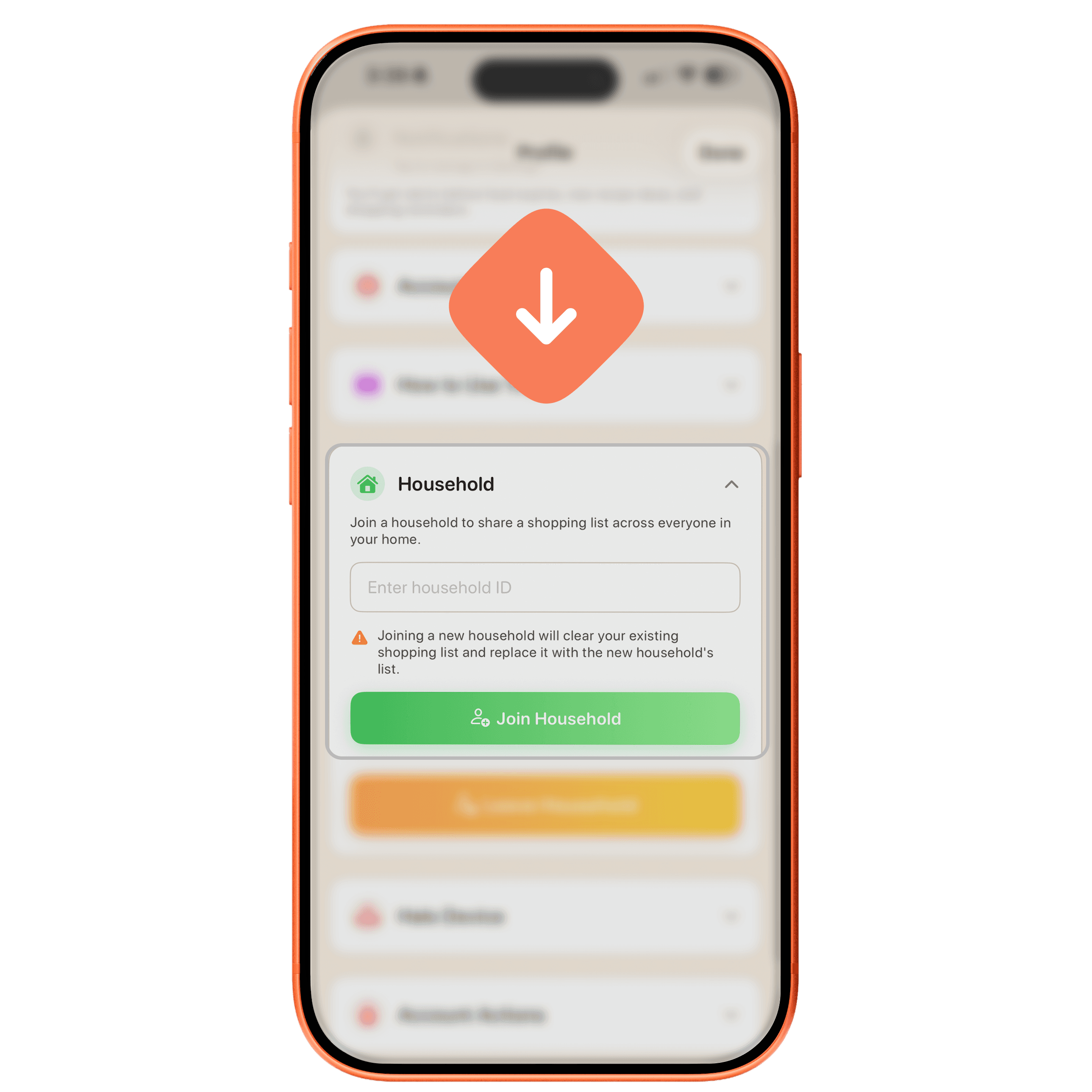
Join Household
(existing account)
Join Household
(existing account)
You can also join or leave a household at anytime in the profile tab.
You can also join or leave a household at anytime in the profile tab.
Done!
Your lists will sync, and any changes will be pushed to the other users in your household.
Happy shopping!